Find these elements in Library → Motion → Elements, section Cinematic effects. Click a tile to add it at the playhead, or drag it onto the timeline. Change its options in the Inspector. Most of them are full-frame overlays on a track above your footage. Several have a Seed option: another number gives another look. These elements are separate items on the timeline. To change the look of a clip itself, or to add camera moves, see Effects and camera.

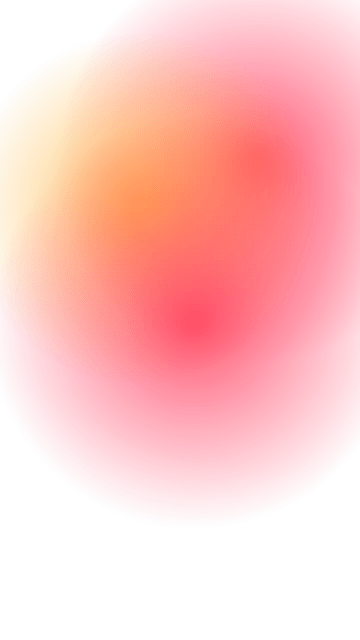
Light leak

Light leak element poster
A warm film light leak that spreads over the first half of the item and fades back over the second half. Key options:
  • Seed: another number gives another leak shape and path.
  • Hue shift: rotates the warm colours around the colour wheel, in degrees.
  • Opacity: the strength of the leak (0 = invisible).
When to use: a warm, nostalgic accent over a cut or an opening shot.

Film grain

Film grain element poster
Looping film grain over the whole frame, with an optional slow exposure flicker and a vignette. Key options:
  • Amount: grain strength (0 = none, 1 = heavy).
  • Tone: Mono, Warm or Cool grain.
  • Vignette: darkening towards the frame edges.
When to use: a filmic or vintage feel across a whole scene.

Lens flare

Lens flare element poster
A lens flare with a glowing source, ghost discs and starburst rays, with a looping shimmer and short fades. Key options:
  • Source: where the light source sits on the frame.
  • Sweep: an end point the source moves to over the item. Leave it empty to keep the source still.
  • Anamorphic: adds a horizontal streak through the source.
When to use: a sunny or cinematic touch on outdoor shots and titles.

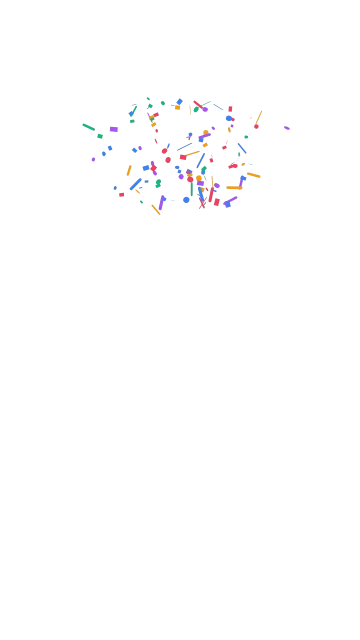
Confetti

Confetti element poster
One to four confetti bursts whose pieces fly out, flutter and fall out of the frame. Key options:
  • Bursts: the number of bursts. Each has its own cue, which can follow a spoken word.
  • Colors: 2 to 6 piece colours, picked at random per piece.
  • Count: the number of pieces over all bursts.
When to use: celebrations, results and “you did it” moments.

Sparkles

Sparkles element poster
Looping, twinkling four-point sparkles over the whole frame, a centre disc or a ring. Key options:
  • Area: Full, Center or Ring.
  • Colors: 1 to 4 sparkle colours.
  • Count: the number of sparkles.
When to use: a magical or “new” feel around a product, a face or a title.

Shape morph

Shape morph element poster
A shape that morphs from one form to the next at each cue, and can draw its outline in first. Key options:
  • Shapes: 2 to 6 shapes in order, from presets such as circle, star or heart, or your own SVG path.
  • Draw in: the first shape draws its outline, then fills.
  • Morph seconds: the length of one morph.
When to use: abstract transitions between ideas, or a playful accent beside text.